Enabling Use of Real Names
By default, the system will display users according to their username. You can however elect to set it to display real names.
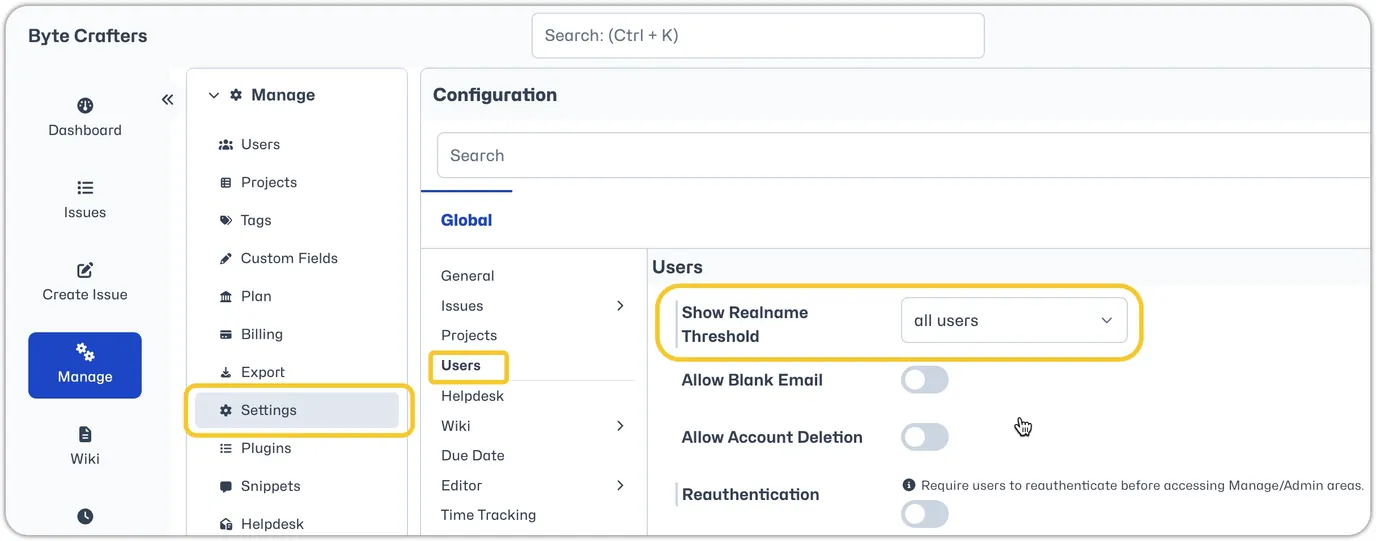
Administrators can make this change by heading to Manage - Settings - Users. They will see a setting 'Show Realname Threshold', they can set it to all users or they can set the minimum access level threshold (e.g. set to developer to only show real names for users with developer access levels and above). They can also reset it back to the default of none where only usernames are displayed.