Project Roadmap
For those using the Classic interface, please see the Classic UI article
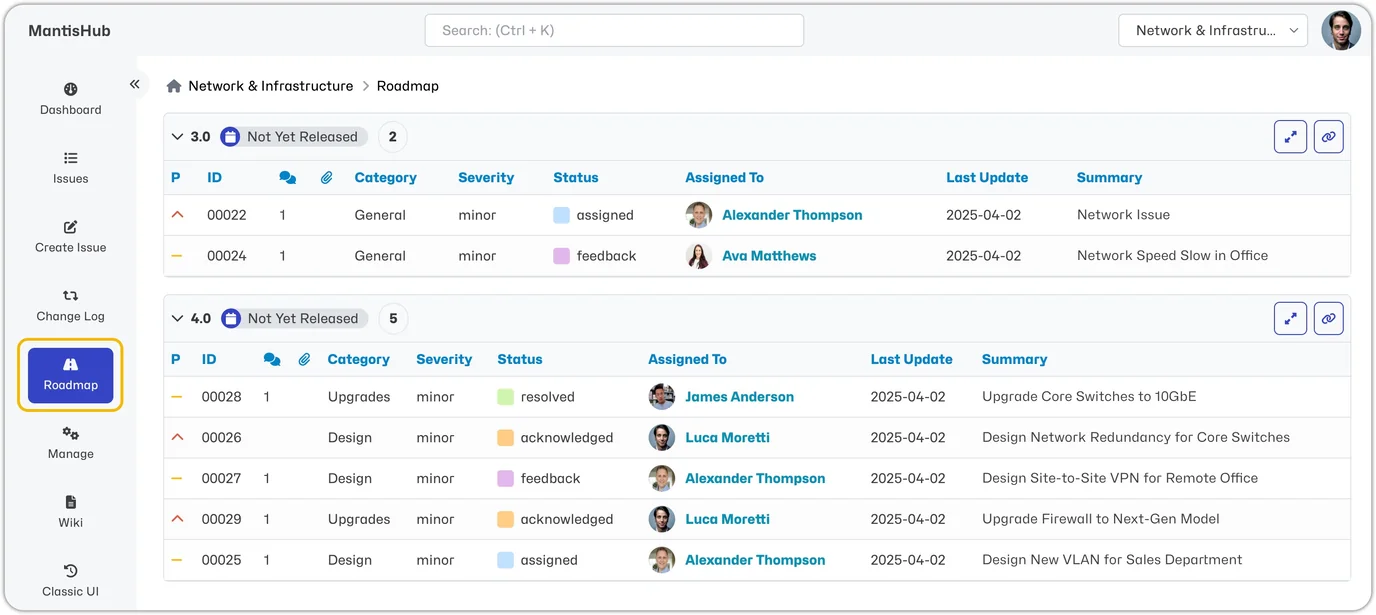
The Roadmap page lets you define project scope, set milestones, and track progress. It displays upcoming versions and the issues intended to be resolved in those versions. This feature also aids in prioritizing issue assignments.
The Roadmap page is visible and automatically updated once issues are assigned a 'Target Version.'
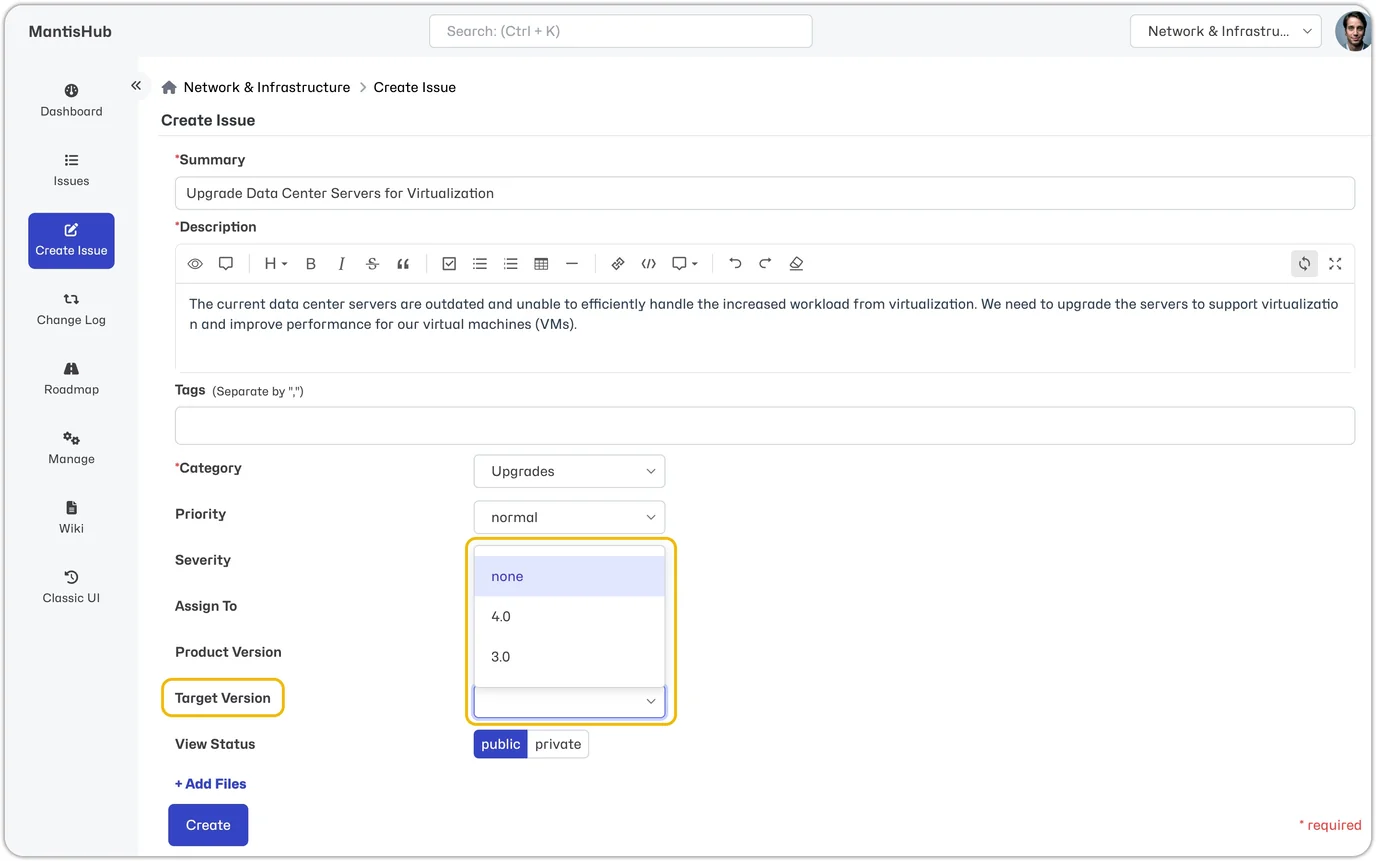
Only unreleased versions will be available as 'Target Versions' when creating, editing, or closing an issue, so ensure your project has version information defined.
Versions that have no issues assigned with a 'Target Version' will not appear in your Roadmap, and versions marked as 'Obsolete' will also be excluded.
Note: You can simultaneously set the 'Target Version' field for multiple issues using the group action feature on the Issues page. This option is only available when your selected project is not 'All Projects.'
Roadmap Settings
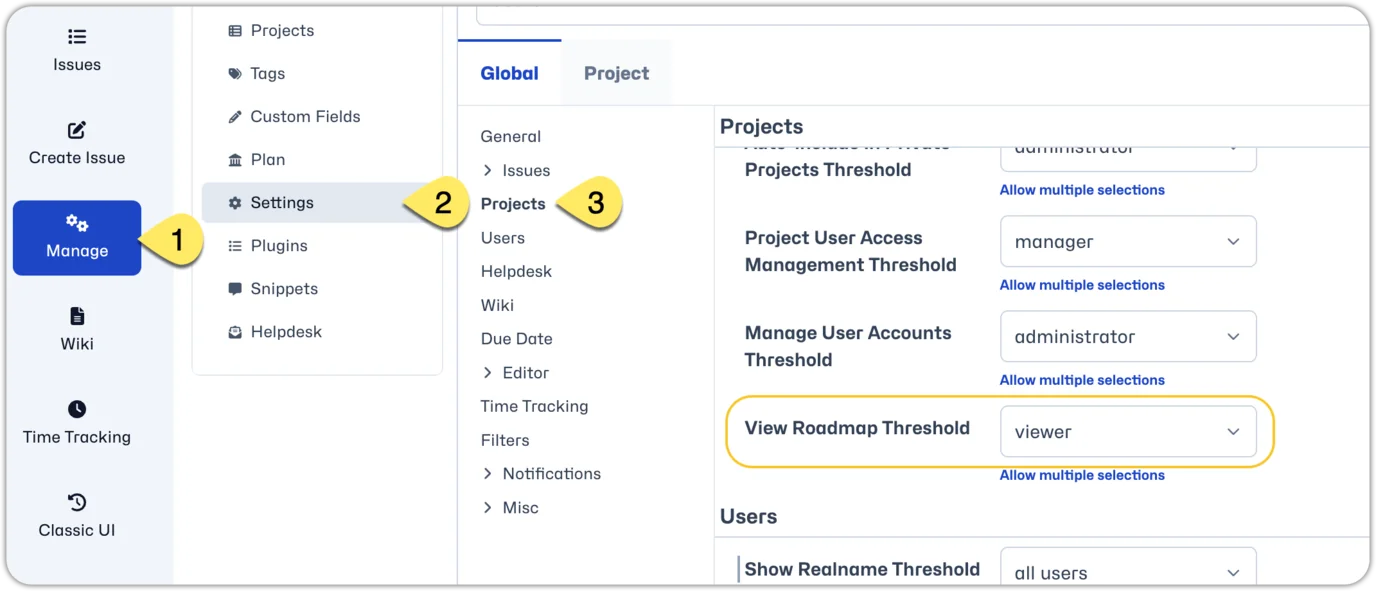
You can define the minimum access level allowed to view project roadmap information within the system settings. Go to the 'Manage' page and click Settings. Under Projects settings, you will find 'View Roadmap Threshold' where you can select the desired access level.
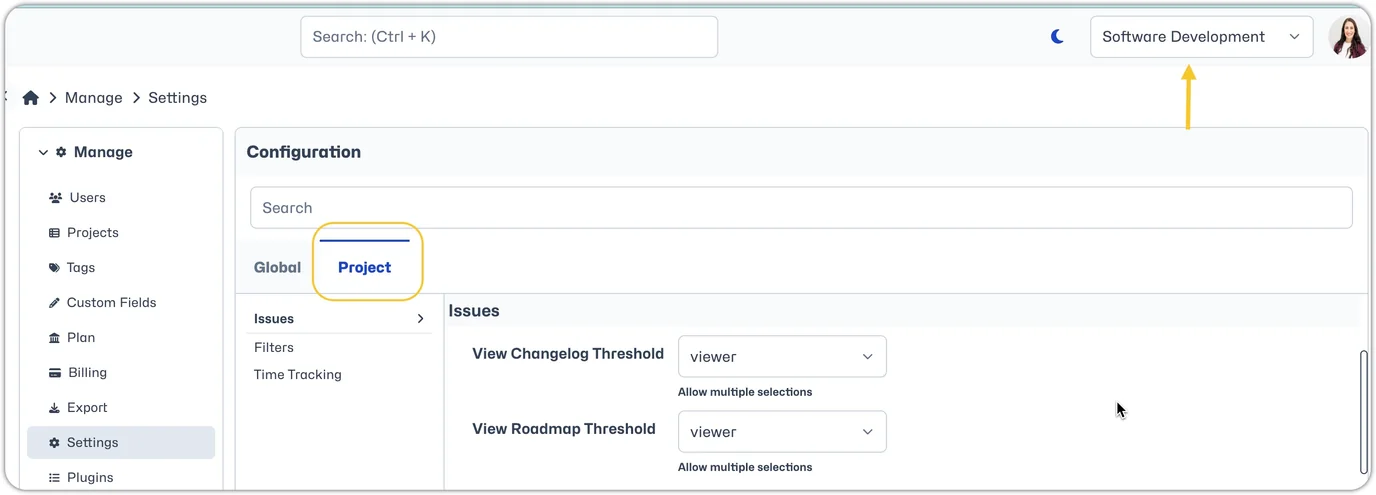
This setting can also be changed for a specific project. Just make sure you switch from the 'Global' to the 'Project' tab in settings and ensure the correct project is set in the Project Selector.