
Add In-App Feedback: Bugsee Integration
If you are still using the classic interface, please head to the Classic UI Article
You can now integrate your MantisHub with Bugsee in-app feedback tool. Bugsee is a tool embedded within your web or mobile App that will capture crash and bug information at the time of the occurrence. It then stores and displays relevant information, including a video of user actions leading up to the issue, network traffic, and console logs.
With this integration, Bugsee can automatically create an issue in your MantisHub with a link to all the gathered information. This can save your developers considerable time trying to decipher and reproduce the issue.
To activate your MantisHub integration, you will need to:
Generate a MantisHub API token and record a copy of the generated token, as it will only appear once.
Within your Bugsee settings, head to Integrations and click "Add Integration".
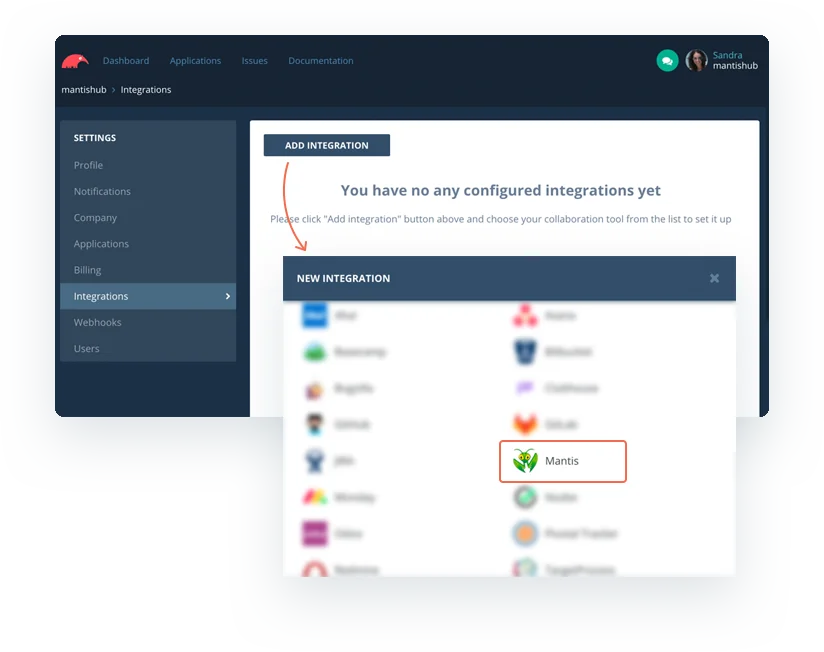
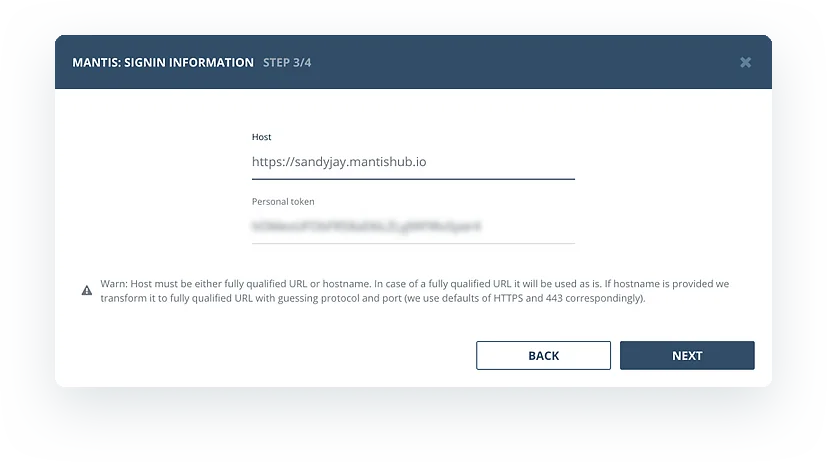
- Enter your MantisHub URL and generated API token into your Bugsee setup.
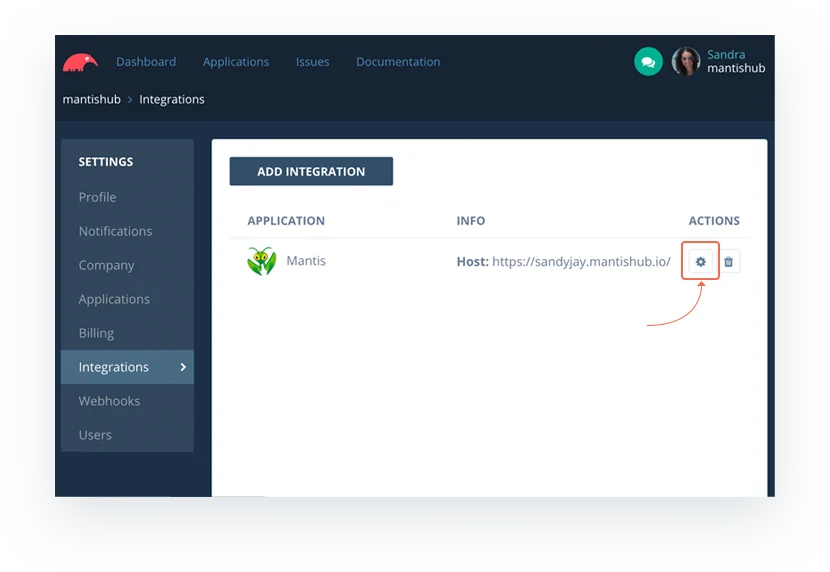
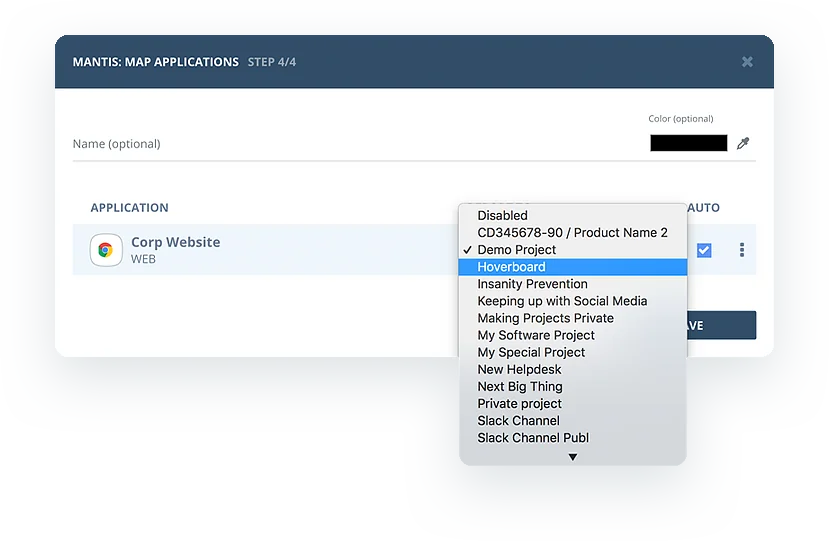
- To generate issues for a specific project, you can select the project and enable the option for automatic issue generation. This can be done either while adding the integration or later by accessing the integration settings to add or modify the option at any time.
New bugs will automatically generate issues in MantisHub, with a link to the Bugsee dashboard containing all the information about the issue.
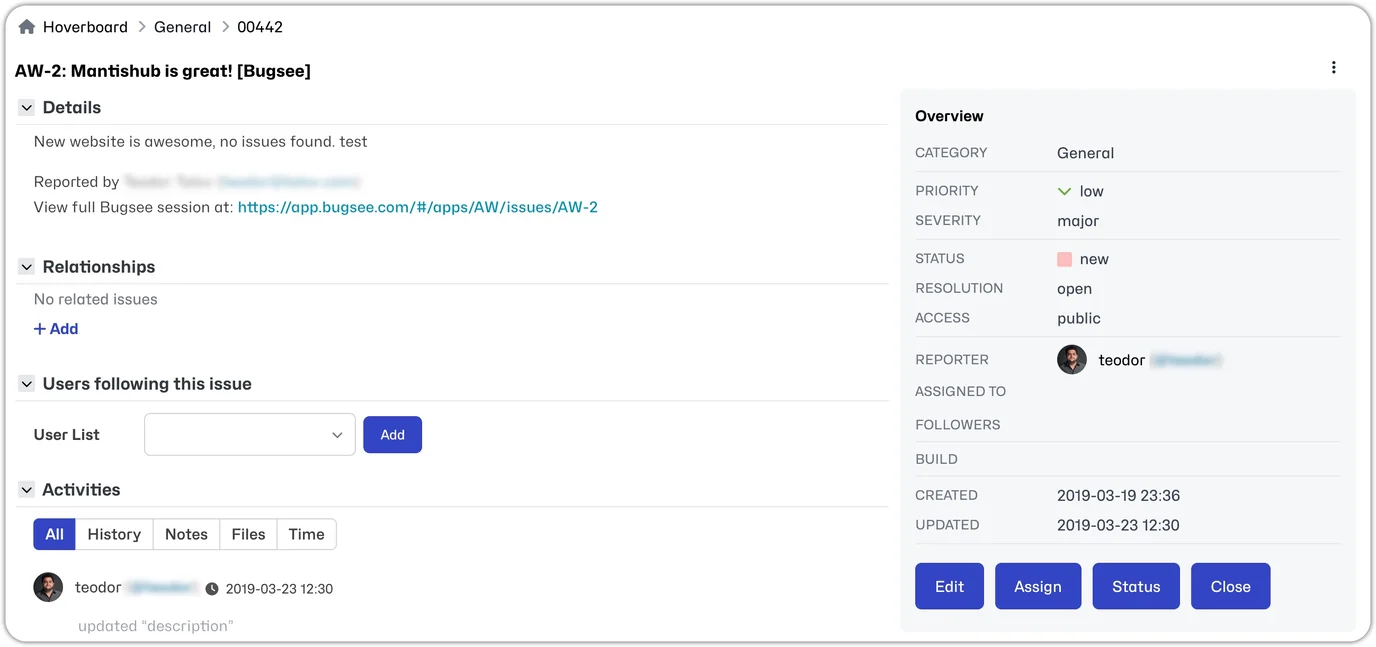
Bugsee also allows you more control over the integration using the configuration 'Recipes". You can find information on configuration recipes and all the above in the Bugsee documentation: MantisBT integration documentation.