
@ Mentions for User Notifications
@ Mentions for User Notifications - Classic UI article
MantisHub supports @ mentions to capture users' attention and ensure they are notified about an issue or note (even though otherwise, they may or may not have received an email notification).
Input '@' and a username in an issue note or description, and they will be emailed the note details with a link to the issue.
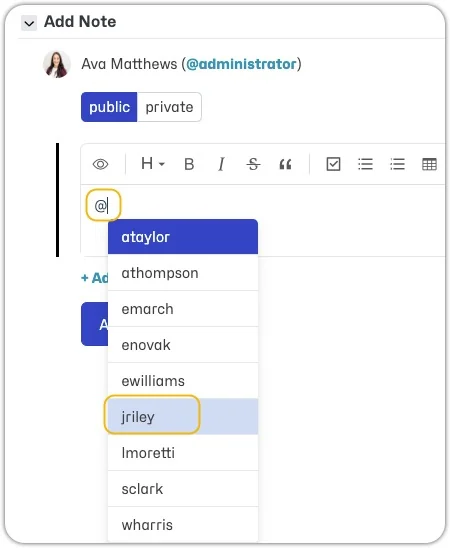
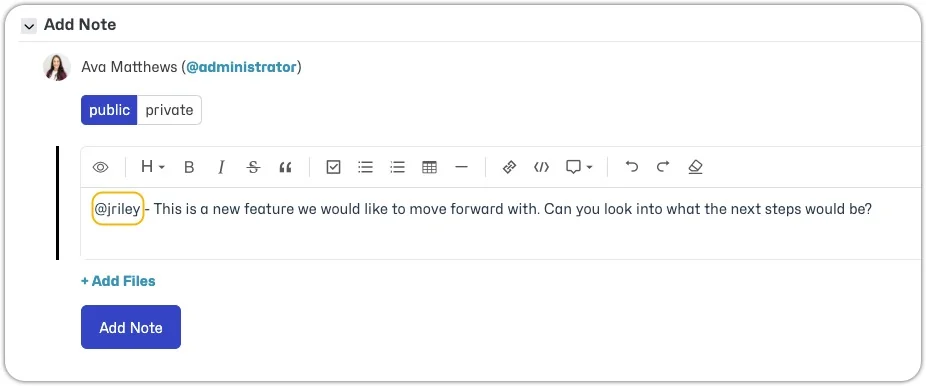
Users may receive the regular email notification as well as the @ mention notification. However, @ mention notifications have a simplified format and a different subject, which is handy when you have automated email filters.
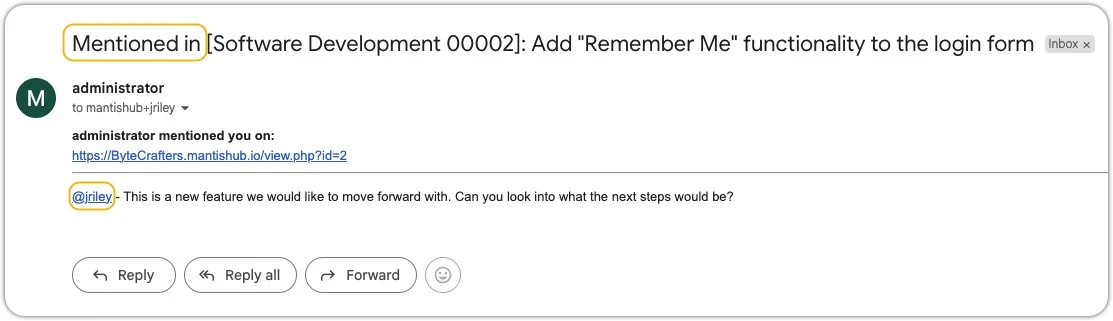
@ mentions appear highlighted and are linked to the user's page.
For @ mentions to work for your team, you should follow these guidelines for usernames:
- Don't use email addresses as usernames.
- Don't use spaces in usernames.